Adding Reference
Following platforms have their own versions of FontStashSharp that are available at the nuget:
| Platform | Link |
|---|---|
| MonoGame | FontStashSharp.MonoGame |
| Stride | FontStashSharp.Stride |
| Kni | FontStashSharp.Kni |
| XNA | FontStashSharp.XNA |
See this on how to add the FontStashSharp reference to a FNA project.
Basic Usage
Following code creates FontSystem from a ttf:
	private SpriteBatch _spriteBatch;
	private FontSystem _fontSystem;

	/// <summary>
	/// LoadContent will be called once per game and is the place to load
	/// all of your content.
	/// </summary>
	protected override void LoadContent()
	{
		// Create a new SpriteBatch, which can be used to draw textures.
		_spriteBatch = new SpriteBatch(GraphicsDevice);

		_fontSystem = new FontSystem();
		_fontSystem.AddFont(File.ReadAllBytes(@"Fonts/DroidSans.ttf"));
	}
Now the text could be drawn using following code:
	protected override void Draw(GameTime gameTime)
	{
		GraphicsDevice.Clear(Color.CornflowerBlue);

		// Render some text
		_spriteBatch.Begin();

		SpriteFontBase font18 = _fontSystem.GetFont(18);
		_spriteBatch.DrawString(font18, "The quick brown fox\njumps over\nthe lazy dog", new Vector2(0, 0), Color.White);

		SpriteFontBase font30 = _fontSystem.GetFont(30);
		_spriteBatch.DrawString(font30, "The quick brown fox\njumps over\nthe lazy dog", new Vector2(0, 80), Color.Yellow);

		_spriteBatch.End();

		base.Draw(gameTime);
	}
It would render following:

FontSystem from multiple ttfs
Sometimes a single ttf doesn't contain all required glyphs. In this case, it makes sense to create FontSystem from multiple ttfs. Using code like this:
		_fontSystem.AddFont(File.ReadAllBytes(@"Fonts/DroidSans.ttf"));
		_fontSystem.AddFont(File.ReadAllBytes(@"Fonts/DroidSansJapanese.ttf"));
		_fontSystem.AddFont(File.ReadAllBytes(@"Fonts/Symbola-Emoji.ttf"));
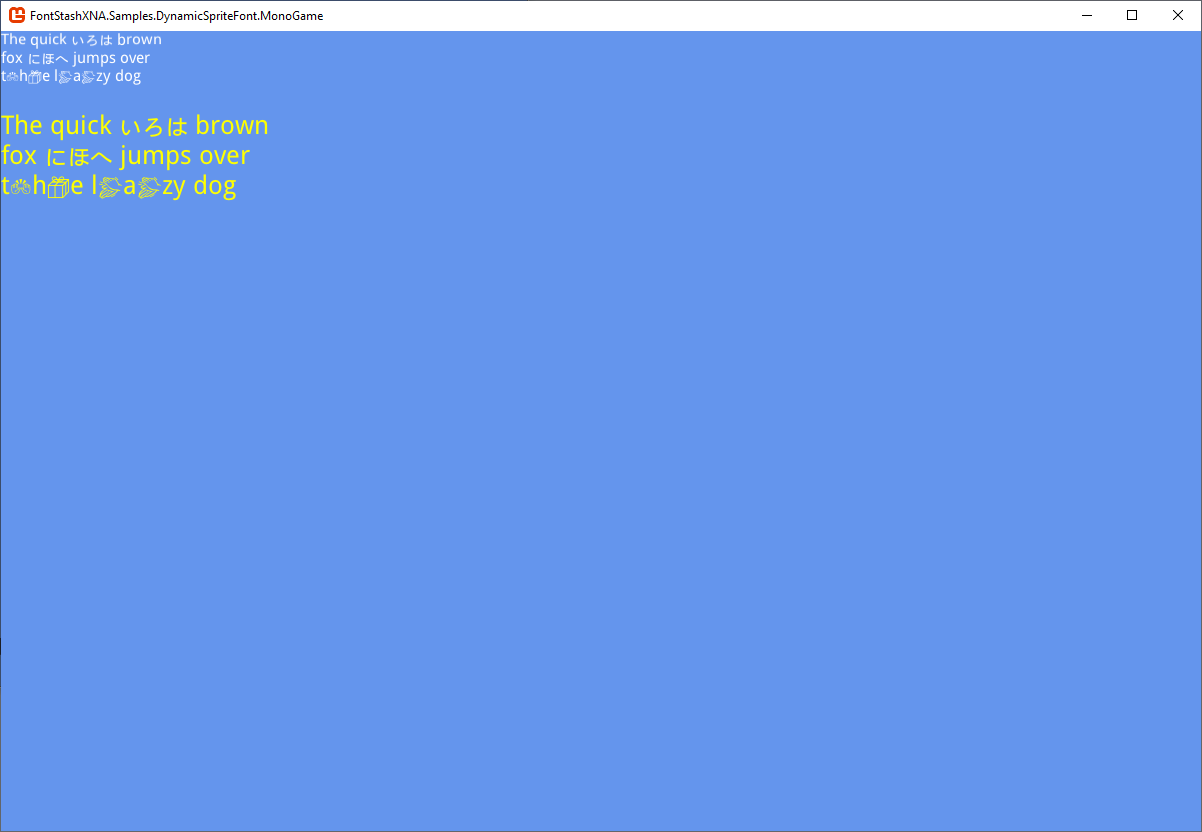
Now the renderer will look for a requested glyph within all provided ttfs. So, if the render code is
	   SpriteFontBase font18 = _fontSystem.GetFont(18);
		_spriteBatch.DrawString(font18, "The quick いろは brown\nfox にほへ jumps over\nt🙌h📦e l👏a👏zy dog", new Vector2(0, 0), Color.White);

		SpriteFontBase font30 = _fontSystem.GetFont(30);
		_spriteBatch.DrawString(font30, "The quick いろは brown\nfox にほへ jumps over\nt🙌h📦e l👏a👏zy dog", new Vector2(0, 80), Color.Yellow);
It would render following:
Colored Text
If you want to draw colored text, pass an array of colors (one color for every rendered character). For example:
	private static readonly Color[] ColoredTextColors = new Color[]
	{
		Color.Red,
		Color.Blue,
		Color.Green,
		Color.Aquamarine,
		Color.Azure,
		Color.Chartreuse,
		Color.Lavender,
		Color.OldLace,
		Color.PaleGreen,
		Color.SaddleBrown,
		Color.IndianRed,
		Color.ForestGreen,
		Color.Khaki
	};

	/// <summary>
	/// This is called when the game should draw itself.
	/// </summary>
	/// <param name="gameTime">Provides a snapshot of timing values.</param>
	protected override void Draw(GameTime gameTime)
	{
		GraphicsDevice.Clear(Color.CornflowerBlue);

		// Render some text
		_spriteBatch.Begin();

		SpriteFontBase font30 = _fontSystem.GetFont(30);
		_spriteBatch.DrawString(font30, "Colored Text", Vector2.Zero, ColoredTextColors);

		_spriteBatch.End();

		base.Draw(gameTime);
	}
It would render following:

Blurry and Stroked Text
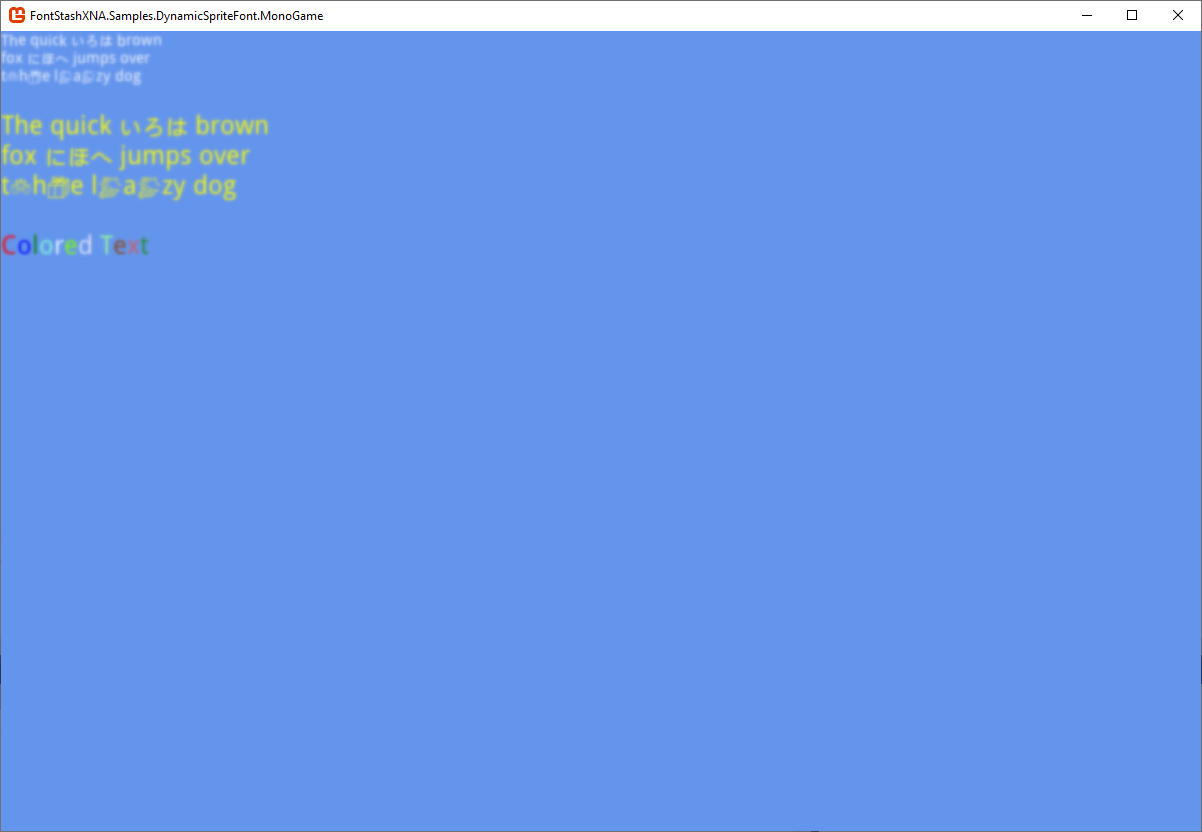
If you want to draw blurry text, pass the corresponding parameter to the DrawText method. For example:
_spriteBatch.DrawString(_font,
	"The quick いろは brown\nfox にほへ jumps over\nt🙌h📦e l👏a👏zy dog",
	new Vector2(0, 80), Color.Yellow,
	effect: FontSystemEffect.Blurry, effectAmount: 1);
It would render following:
The stroke effect can be rendered in a similar way:
_spriteBatch.DrawString(_font,
	"The quick いろは brown\nfox にほへ jumps over\nt🙌h📦e l👏a👏zy dog",
	new Vector2(0, 80), Color.Yellow,
	 effect: FontSystemEffect.Stroked, effectAmount: 1);
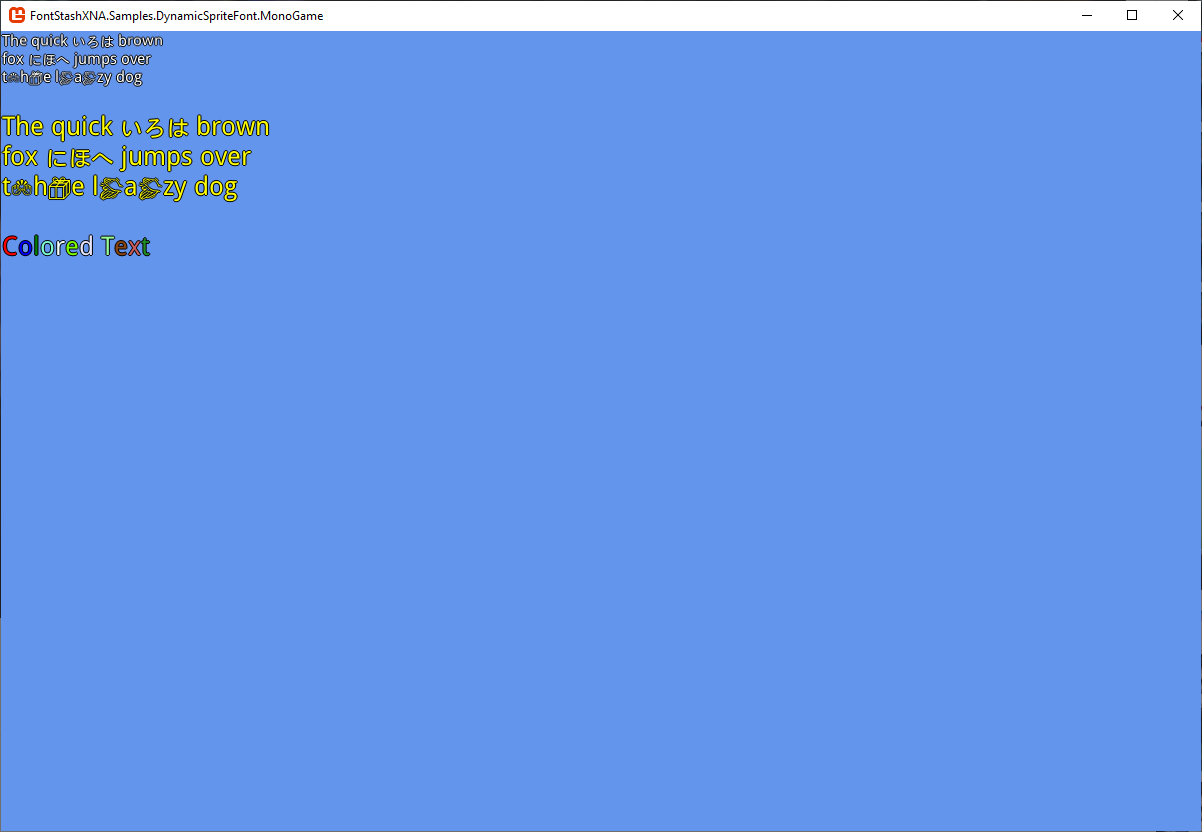
It would render following: